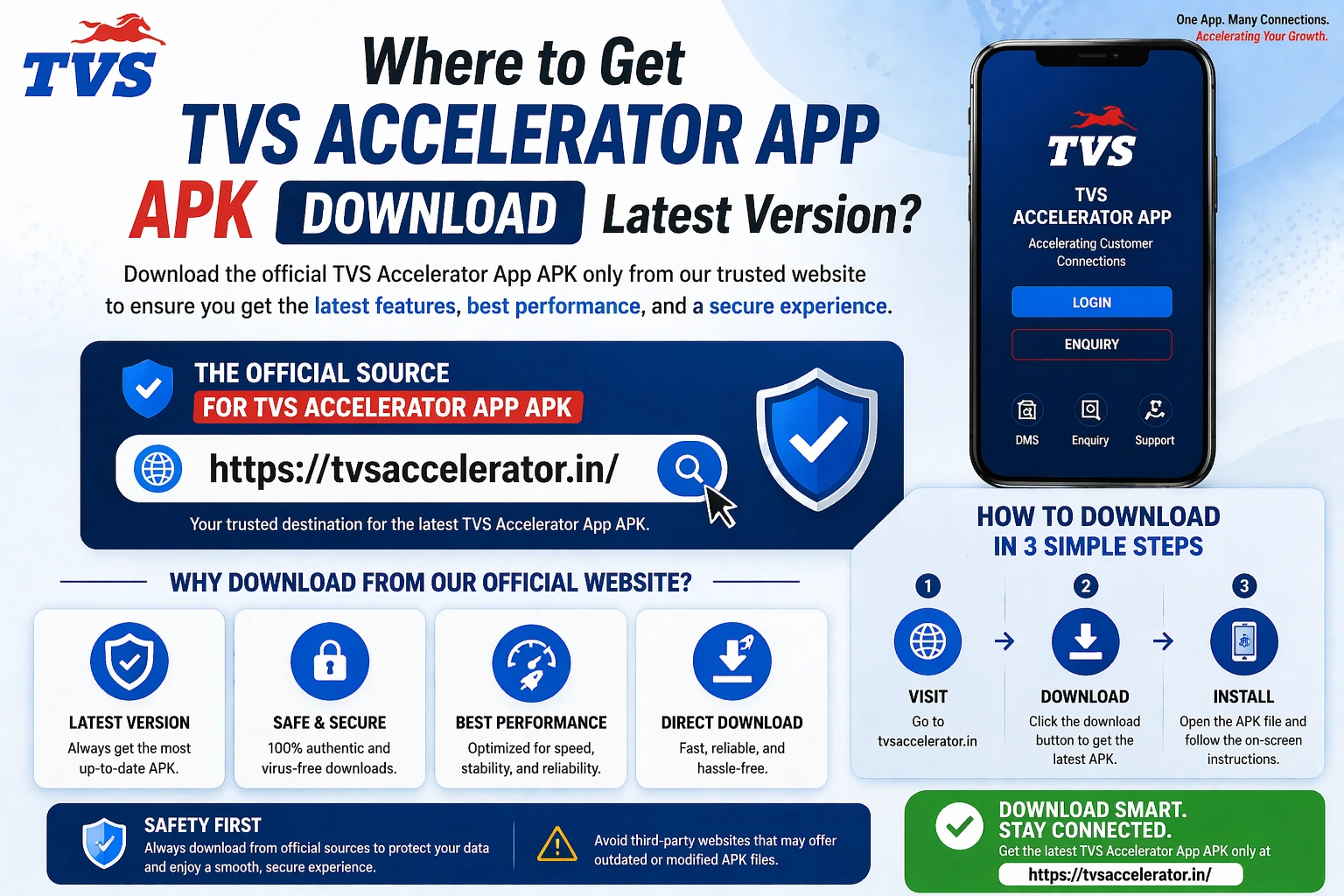
Search for almost any staff or utility app and you will hit pages offering a quick “APK download”. Some are fine. Many are not. This guide shows you how to spot a fake or unsafe app-download site in under a minute, so a tool like the TVS Accelerator app never becomes the reason your data leaks.
The one-minute fake-site test
Most people can feel when a download page is off, but they click anyway because they want the file. The fix is to turn that feeling into a quick checklist you actually run. None of the checks below require any technical skill. They just require you to slow down for sixty seconds.
Warning signs of an unsafe download page
| Red flag | What it really means |
|---|---|
| Unknown publisher | The file is uploaded by a random name, not the official company or your dealership. |
| “Disable protection” | The page tells you to switch off security warnings to install the file. |
| Mod / cracked / premium | It promises an unlocked or modified version. For a staff app, that is a giant red flag. |
| Vague versioning | “Latest version” with no real detail, no date, no changelog. |
| Pushy download buttons | Multiple fake download buttons, pop-ups, or a countdown timer pressuring you. |
| Credential prompts | It asks for a login that should only ever be entered in the official app or portal. |
Why fake app sites exist
A cloned login app has one job: collect the username and password you type, then hand them to someone else. For an app tied to real business systems, that can mean far more than a single account.
What a trustworthy source looks like
It is just as useful to know what good looks like, so you can recognise it instantly. A source you can trust will quietly pass every check without drama.
- It is the official publisher, or your own dealership's admin handing you the file.
- It shows a clear, recent version with a sensible update date.
- It never asks you to lower your device's security to install it.
- It offers the normal app, not a “special” unlocked one.
- Your account and login were arranged separately, through the dealership, not the download page.
Habits that keep you safe
Beyond any single page, a few standing habits make you a hard target. They cost nothing and prevent the most common ways people get caught out.
- Default to trusted sources. If you cannot find an app officially, ask before you improvise.
- Never type a work password into something you did not get from an trusted source.
- Keep your device and apps updated, since updates close the holes attackers rely on.
- When a page pressures you to act fast, slow down. Urgency is a manipulation tactic.
- If you think you installed something bad, remove it and change any password you entered.
Ask, don't guess
A quick message to your dealership admin asking “is this the right download?” is always cheaper than recovering from a fake one. Nobody will mind the question.
If you already installed something risky
If reading this set off alarm bells about a file you already installed, do not panic, but do act. Uninstall the app. Change the password for any account whose login you typed into it, starting with your dealer credentials, and do that from a device you trust. Tell your dealership admin so they can watch for misuse and reset what is needed. Acting quickly limits the damage.
Download the APK, then use your dealer login
To replace a risky download with the genuine app and portal, go through your dealership or tvsmotor.com or your authorised TVS dealership.
A worked example: reading a suspicious page
Theory is easier to apply with a concrete example, so picture a typical dodgy download page and read it the way a careful person would. It promises the latest version with a big green download button and a countdown. The publisher is some unfamiliar name. Halfway down, it tells you to enable installs from unknown sources. Near the bottom, in tiny text, it offers a premium unlocked build. Read together, that page fails almost every check at once: unknown publisher, a pressure tactic, a request to lower security, and a premium lure. None of those alone proves bad intent, but stacked up they are a clear signal to close the tab.
The skill is not spotting one red flag; it is noticing how they cluster. Genuine sources are calm and boring: a clear publisher, a normal version, no pressure, no requests to weaken your defences. Sketchy ones are loud and pushy. Once you have read a few pages this way, the pattern becomes obvious in seconds.
Why staff and login apps are special targets
It is fair to ask why anyone would bother faking a niche dealer app. The answer is that login apps are valuable precisely because they collect credentials. A faked consumer game might harvest a few throwaway accounts; a faked staff tool can capture logins to real business systems, which are worth far more to an attacker. The narrower and more official-sounding the app, the more convincing a clone can be to the specific people who use it. That is why a tool tied to dealer systems deserves more caution than a random app, not less.
The psychology these sites rely on
Fake download sites are not really a technical trick; they are a psychological one. They work by creating urgency and lowering your guard at the exact moment you want the file. The countdown timer, the message that your download will start shortly, the multiple buttons, all of it is designed to make you act before you think. The single most powerful defence is therefore not technical knowledge but a habit of slowing down. When a page is pushing you to hurry, that pressure is itself the warning. Pause, run your checklist, and the manipulation loses its power.
Applying this beyond one app
The reassuring part is that none of this is specific to the TVS Accelerator app. The same checklist protects you everywhere you download software: a banking app, a tax utility, a tool for work. The red flags are universal, an unknown publisher, a push to disable security, mod or cracked promises, vague versioning, pressure to hurry. Build the habit once and it pays off across your whole digital life. In a sense, learning to read one suspicious download page teaches you to read them all.
What to do when you spot a fake
If you come across a clearly fake download page impersonating an app, you do not have to engage with it at all; simply leave. Where it matters more is when a fake is targeting people you know, for example colleagues hunting for the same staff app. In that case, a quick heads-up to your dealership admin helps them warn others and point staff to the trusted source. You are not expected to be an investigator, but a single message saying people are finding fake versions of our app online can save a colleague from a costly mistake.
What a leaked staff login can actually do
It is worth being concrete about the stakes, because abstract warnings are easy to ignore. A leaked staff login is not just one person's problem. Depending on what the account can reach, it could expose customer contact details, business records, or activity that should stay inside the dealership. That can mean privacy harm to customers who trusted the business, disruption to the dealership, and a difficult clean-up for everyone involved. The reason these guides keep insisting on trusted sources is not caution for its own sake; it is that the downside of getting it wrong lands on real people, not just on you.
How fake sites end up looking convincing
A fair question is how dodgy download pages manage to appear so prominent and polished. Part of the answer is that some are deliberately optimised to show up when people search for an app, using the exact terms a worried staff member might type. They copy official-looking branding, borrow logos, and write confident-sounding text. The lesson is that prominence in a search result is not proof of legitimacy. A page can rank well and still be unsafe. Your defence is not to judge by how official a page looks, but to trace where the file actually comes from, which no amount of polish can fake.
A checklist worth keeping handy
To make all of this easy to apply in the moment, here is a compact version you could keep in mind, or screenshot, for the next time you are about to download anything.
- Is the publisher the official company or my own admin? If not, stop.
- Is there a clear, recent version, or just a vague latest?
- Is it asking me to disable any security? That alone is a deal-breaker.
- Is it pushing a mod, cracked or premium build? Walk away.
- Is it pressuring me to hurry? Slow down on purpose.
- Is it asking for a login that belongs only in the official app? Close it.
If a download passes all six without trouble, it is very likely fine. If it stumbles on even one, that is your signal to find the trusted source instead.
The takeaway
You do not need to be technical to stay safe; you need to be a little slower and a little more suspicious for sixty seconds before you install. Run the checklist, trust trusted sources, and never feed your password to a page you cannot vouch for. Apply that to the TVS Accelerator app and to everything else you download, and the whole category of fake-app problems mostly disappears. For the safe way to get this specific app, see the download guide.